|

Big Blue Button

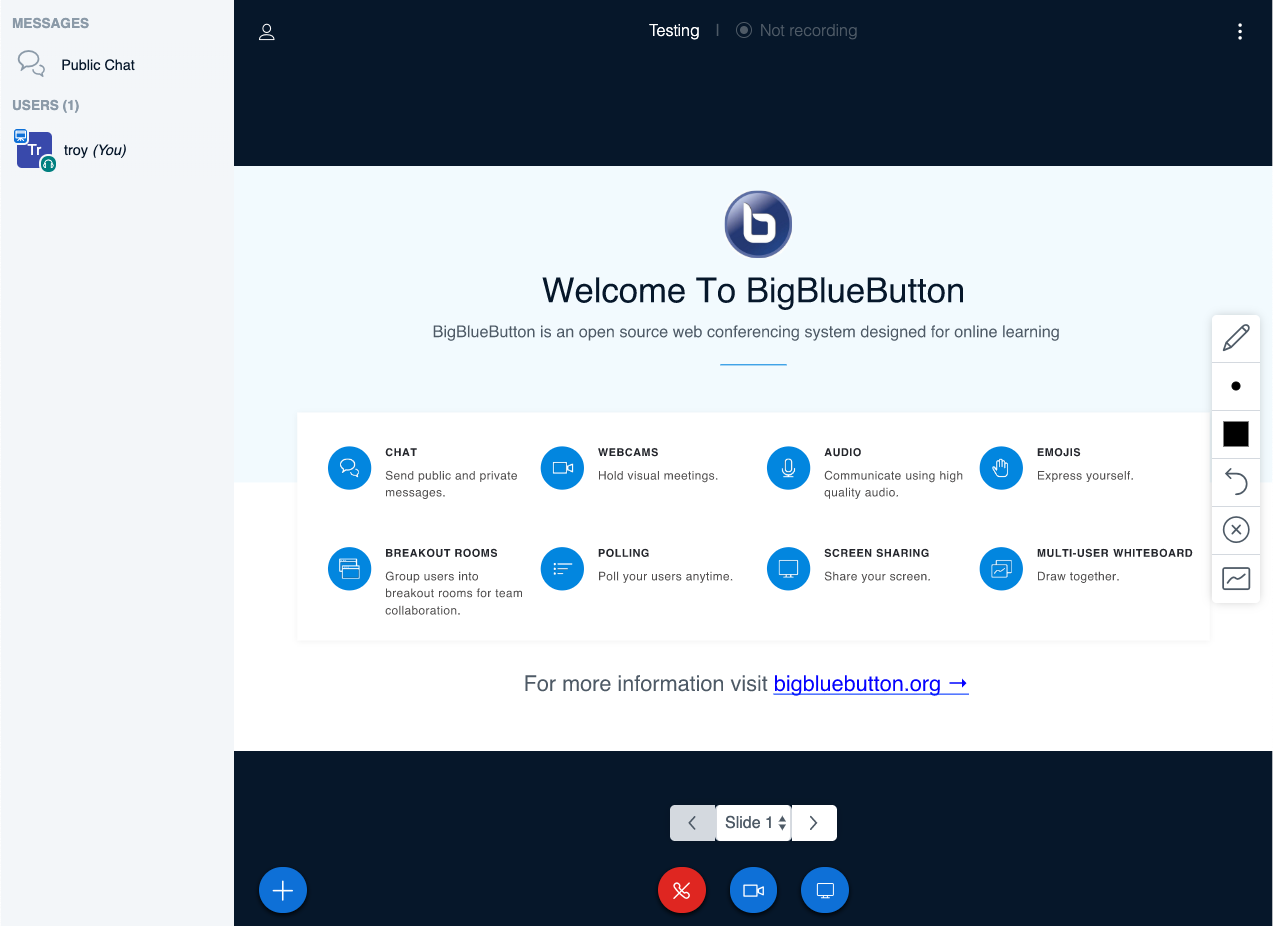
Big Blue Button is a tool for synchronous audio/video discussions. It integrates with Moodle, Mattermost and even has stand-alone access via the Greenlight front end. It includes video-based chat, whiteboard, session-recording and screen sharing functionality.

Use it when you want to interact with others in real-time and save recordings for later. It is great for computer-based instruction at a distance, but is not a classroom-based lecture broadcast/capture system.
Similar Posts

  • |

    Moodle

    Moodle is the Learning Management System at TRU and allows for the delivery of course materials, assessments like assignments and quizzes, and student engagement through tools like forums and Big Blue Button for videoconferencing. Student data is protected when instructors use Moodle to communicate confidential information about course progress and grades. Our installation of Moodle…

  • |

    Kaltura

    Coming in Fall 2019
    Kaltura is a one-stop shop for all things video. It’s like Youtube on steroids. It integrates with Moodle and Wordpress and is accessible to all TRU Faculty and Students.

    Use Kaltura for video creation, editing, storage and cataloguing. Use it in Moodle for display video, video-based assignments, captions/transcripts and more.

  • |

    H5P

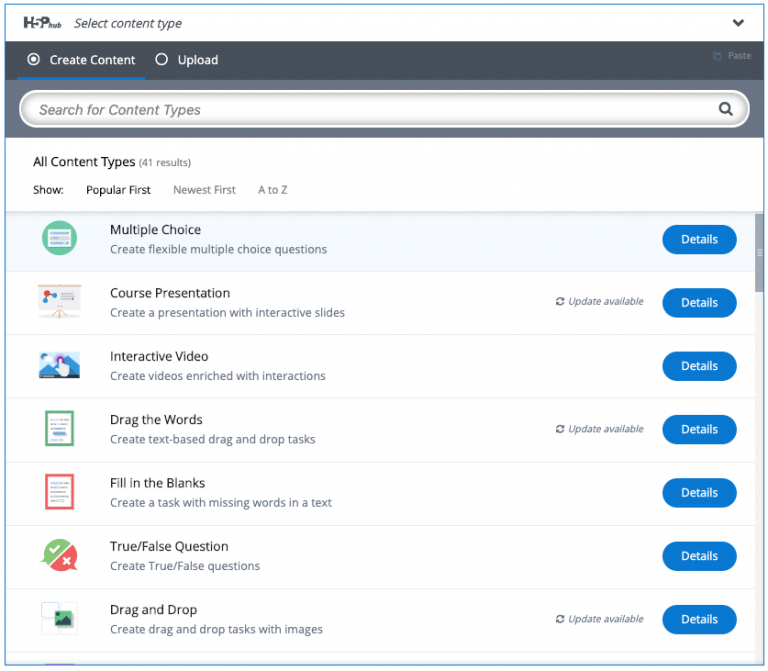
    H5P is a suite of small, easy-to-use interactive instructional tools that integrates with Moodle or WordPress. Use H5P when you are looking for a quick easy way to liven up an online presentation or quiz.

Leave a Reply